
What causes delays in survey work?
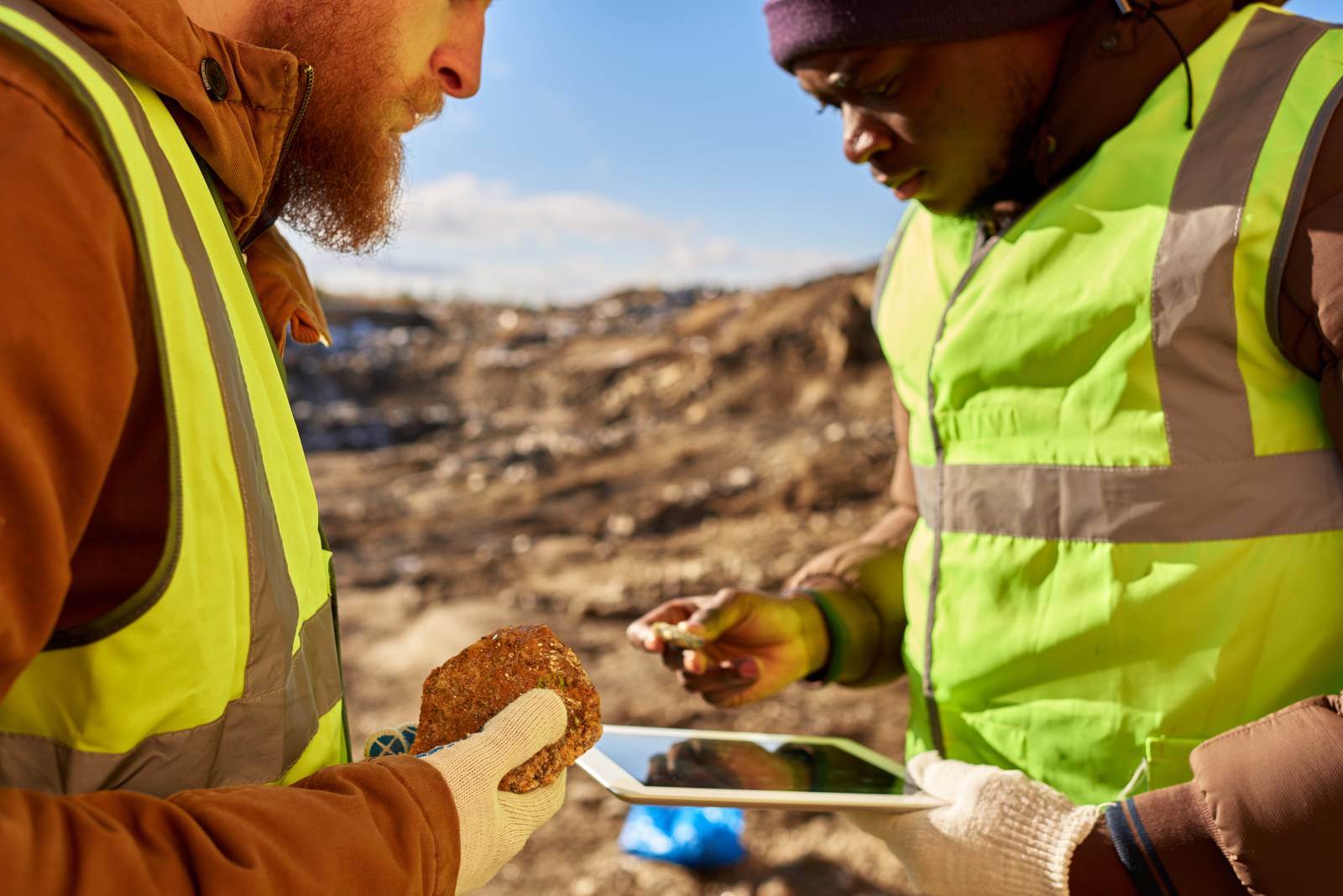
A surveyor finishes a site visit. Notes are written on paper. Photos are stored separately. Measurements sit in another device.
Back at the office, everything needs to be pulled together.
Time is lost organising data instead of using it.
Health and safety audits, snag list forms, project completion reports or final inspection checklists take longer than expected. Details are missed. Follow-up visits become more common.
The issue is not the survey itself. It is how data is captured and managed.
What is a surveyor app?
A surveyor app is a mobile tool used to collect, organise, and report site data directly from the field.
It replaces manual note-taking and disconnected tools.
A typical surveying app allows users to:
- Record site observations
- Capture photos and videos
- Log measurements and locations
- Complete structured installation forms
- Generate reports instantly
It brings all survey data into one place.
When does a surveyor app become necessary?
Not every workflow starts with software. Many teams move to a mobile data collection app after repeated issues.
When reports take too long
If reports are built manually, delays increase as workload grows.
When data is inconsistent
Different surveyors record information in different ways. This makes reports harder to review.
When details are missed
Without structure, key checks can be skipped during site visits for snagging list surveys. A snag list app helps teams track issues clearly on site.
When sites are spread out
Travelling between locations makes it harder to manage paperwork and updates.
When clients expect faster turnaround
Delays in reporting affect decision-making and project timelines.
These are common signs that a mobile survey app is needed.
Who uses a surveyor app?
GPS Survey apps are used across different roles in field operations.
Land surveyors
With a GPS land survey app, they can record boundaries, levels, and site measurements.
Construction teams
They carry out inspections, new build snagging checklists, project handover checklists, fill punchlist forms and track progress. A punch list application helps teams track and resolve site issues quickly.
Engineers and consultants
They assess site conditions and document findings.
Property professionals
They complete condition surveys and inspections.
Each role depends on accurate and structured data.
What features should a surveyor app include?
An efficient land survey app or quality control app focuses on practical field use.
Structured digital forms
Forms guide surveyors through each step. Punch list form construction, for example, ensures nothing is missed.
Photo capture
Images are attached directly to each issue or observation.
GPS land survey tracking
Locations are recorded automatically for each entry.
Offline surveys capability
Surveys can continue without internet access. Data syncs later.
Instant report generation
Reports are created as soon as the survey is complete.
Customisable templates
Forms can be adapted for different survey types.
These features support faster and more reliable workflows.
How does a surveyor app improve daily work?
The biggest change is how information flows from site to report.
Data is captured once
Surveyors enter information on-site, for example, within a project completion form. There is no need to rewrite notes later.
Reports are built automatically
The app structures the report as data is collected.
Errors are reduced
Standardised fields reduce missing or unclear information.
Communication improves
Teams and clients can access reports quickly.
Time is saved
Less admin work means more time on actual surveying.
Small improvements at each step lead to major time savings.
What does an efficient survey workflow look like?
A streamlined workflow is simple and repeatable.
Step 1: Open the survey form
The surveyor selects the correct template for the job.
Step 2: Capture data on-site
Photos, notes, and measurements are recorded in one place.
Step 3: Assign details where needed
Issues or observations are categorised and described clearly.
Step 4: Complete the survey
All required fields are filled before finishing.
Step 5: Generate the report
A structured report is created instantly.
There is no gap between site work and reporting.
What happens without a surveyor app?
Manual workflows create ongoing problems.
- Notes can be unclear or incomplete
- Photos may not match the correct location
- Reports take longer to prepare
- Information can be lost or duplicated
- Teams rely on follow-up calls and emails
These issues increase as projects scale.
How do offline survey apps support field work?
Many sites do not have reliable internet access.
An offline survey app allows surveyors to continue working without interruption.
- Data is stored on the device during the survey
- No connection is needed on-site
- Information syncs once back online
This ensures surveys are not delayed by connectivity issues.
When is it time to switch?
A switch usually happens when inefficiencies become consistent.
You may need a better surveyor app if:
- Reports are regularly delayed
- Site data is inconsistent
- Admin work is taking too much time
- Teams rely on multiple tools to complete one survey
- Follow-up visits are increasing
These are operational problems, not one-off issues.
Where does a surveyor app fit in your workflow?
A surveyor app sits between site work and reporting.
It connects:
- Data collection
- Inspection processes
- Report generation
- Team communication
It becomes the central tool for managing survey data.
Practical takeaway
An efficient surveyor app removes the gap between site and report.
It keeps data structured, accessible, and ready to use.
If your current process involves rewriting notes, inserting images, chasing job completion forms and work completion reports or the workflow is slowing you down.
A single, consistent system changes that.
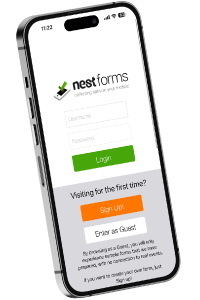
Looking for apps for surveyors? The NestForms Android forms app provides flexible mobile forms for field teams.
Looking for the best surveyor app to simplify your workflow? The NestForms field service software gives you everything you need in one place.
We offer a free Training Demo to help you get started with the platform. If your setup is more complex, Assisted Onboarding is available for a more guided approach.
Start your NestForms mobile form app journey today with a 14-day free trial. This gives you full access to all Premium plan features so you can test everything in real working conditions, right now!
You can use our online form to Contact Us at any time. We always welcome your comments and feedback on the NestForms form builder app.